
Product tour
From first product to paid invoice.
Seven steps through Neon, each one picking up the record the last one made. Nothing is typed twice along the way.
Step 1 of 7 · Inventory
Add what you have
Import your product list or add items one at a time, with variants, SKUs and a quantity per location. Set a reorder point and Neon watches it for you.
More about Inventory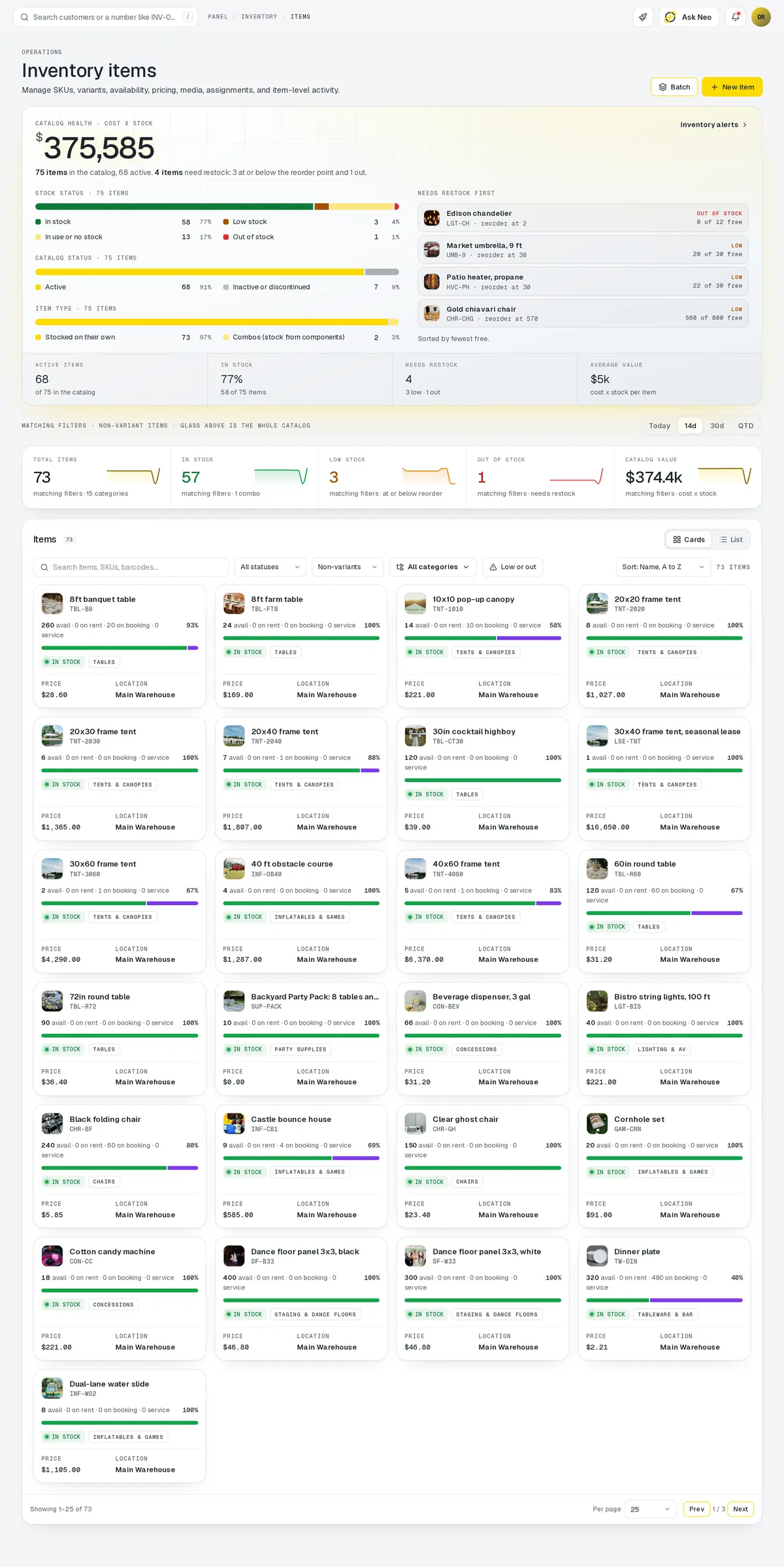
Step 2 of 7 · Storefront
Put it online
Publish products to your storefront. Customers browse, add to cart and check out, and every sale comes straight off the stock count.
More about Storefront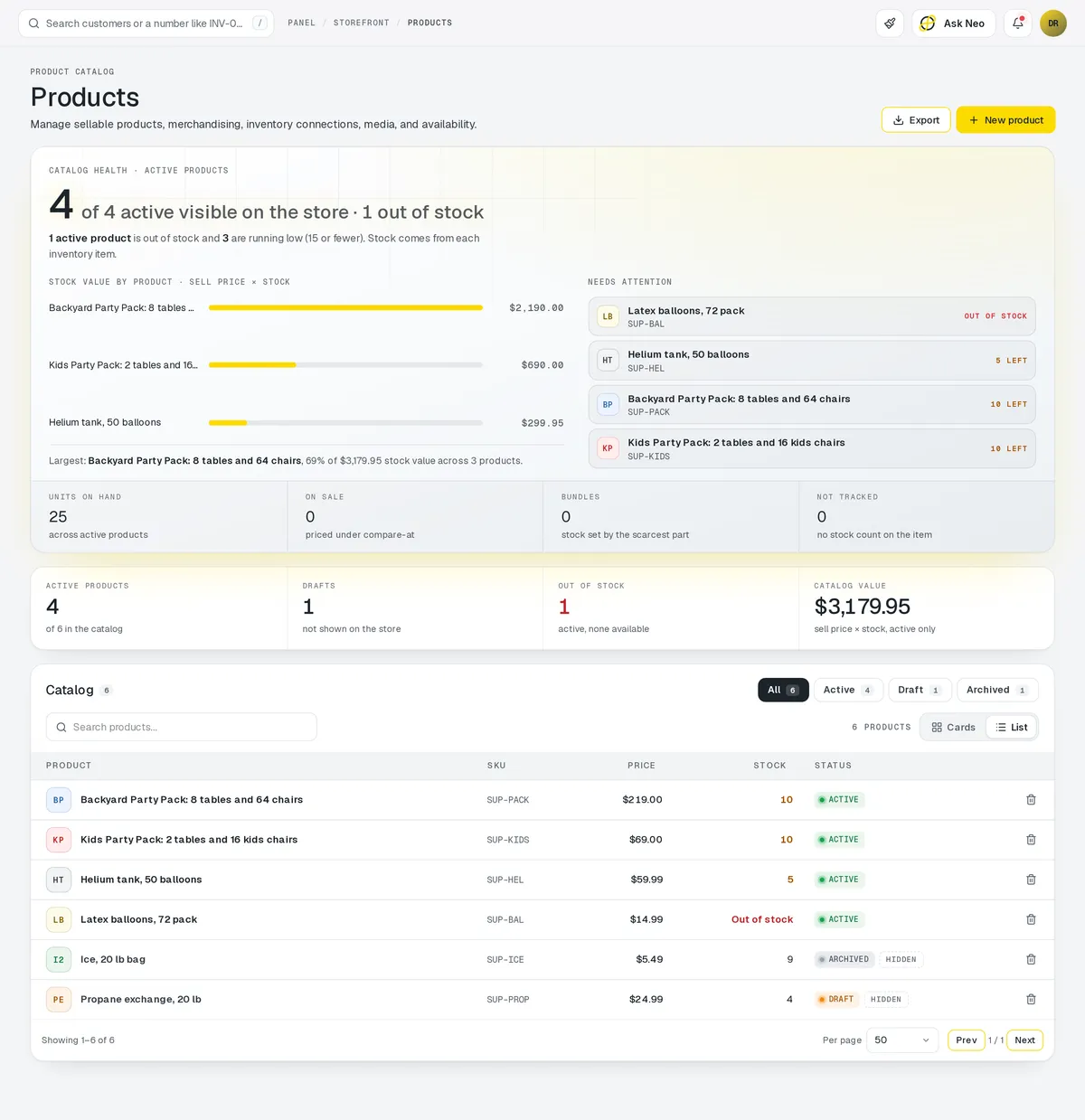
Step 3 of 7 · Rentals
Rent it or book it
The same items can go out on rental contracts with deposits and return dates, or you can take appointments on a staff calendar. Availability is checked against what you actually have.
More about Rentals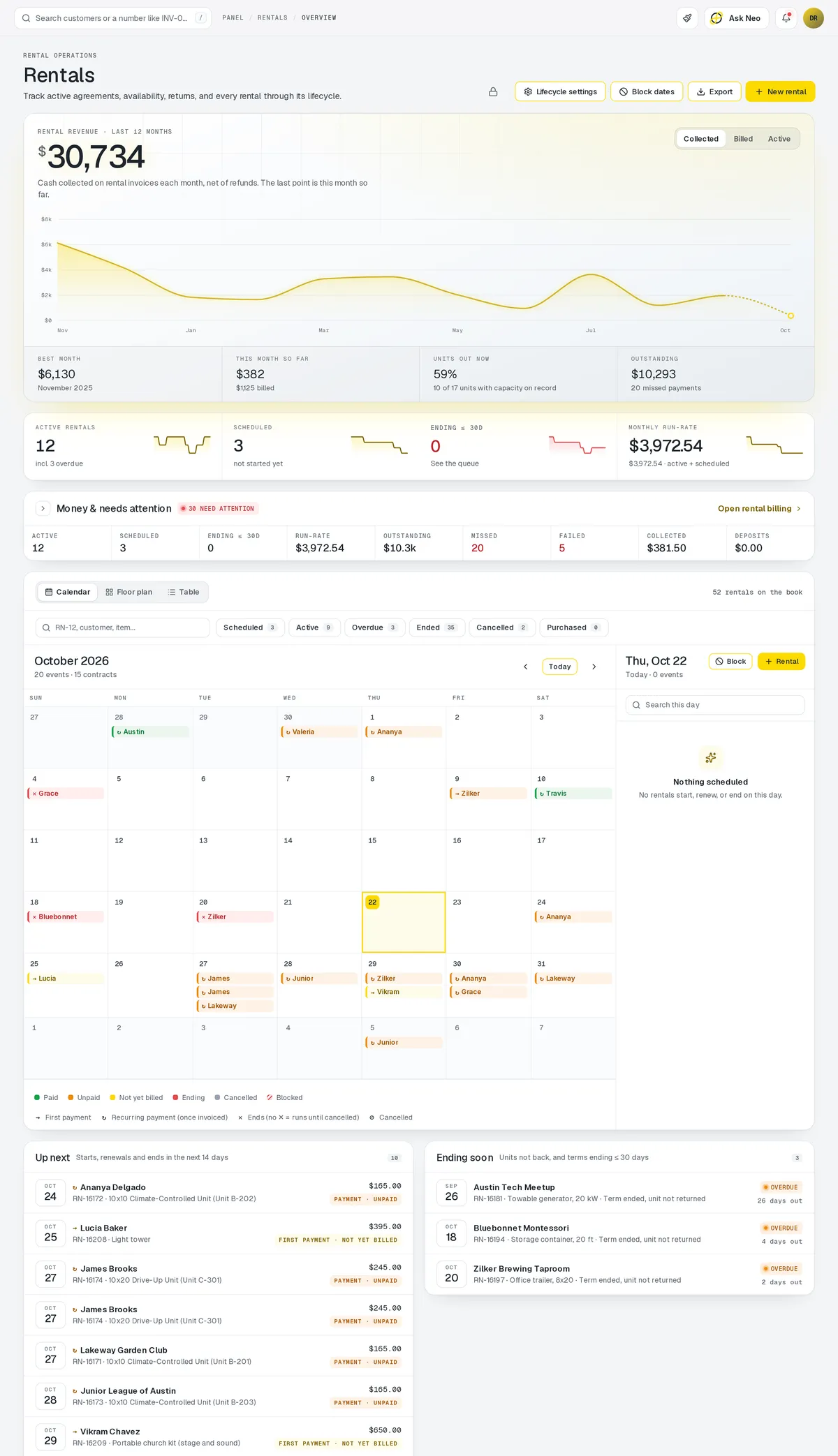
Step 4 of 7 · Deliveries
Get it there
Orders and contracts that need delivering become stops. Neon plans the routes around your drivers, vans and the windows you promised.
Alpha
Available in Texas only today
More about Deliveries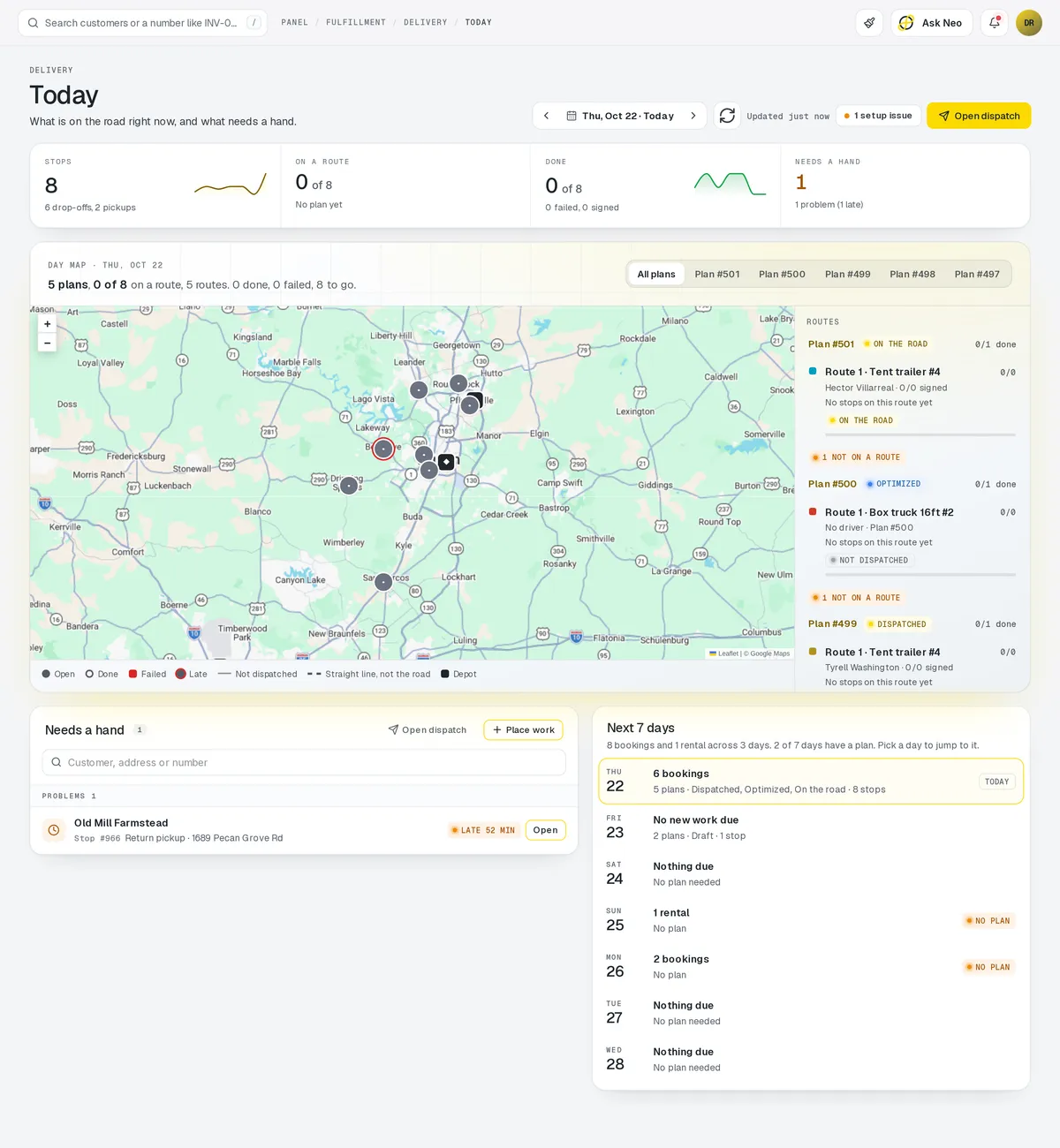
Step 5 of 7 · Invoicing
Get paid
Invoices are created from the order or contract, sent by email or SMS with a Stripe link, and chased automatically when they're late.
More about Invoicing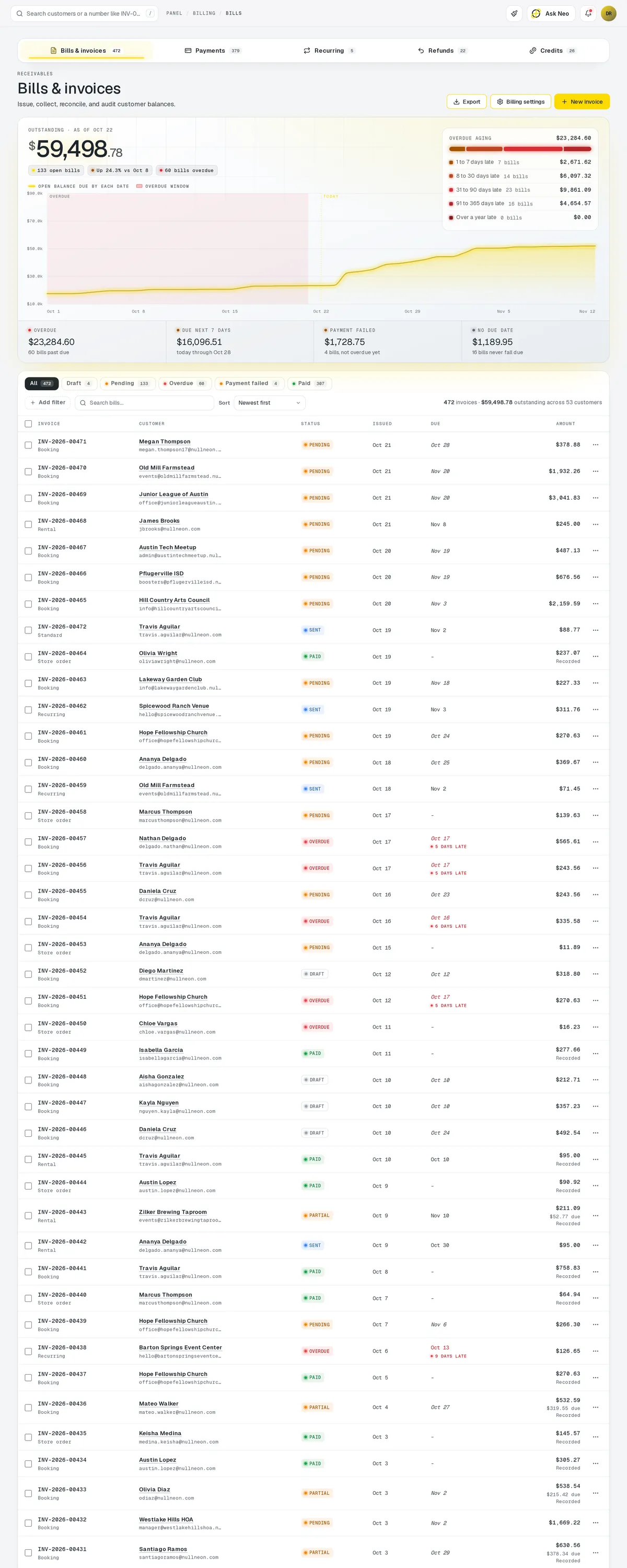
Step 6 of 7 · Analytics
See how it went
Revenue, orders, utilization and outstanding balances come from the same records, so the dashboard and the invoices can't disagree.
More about Analytics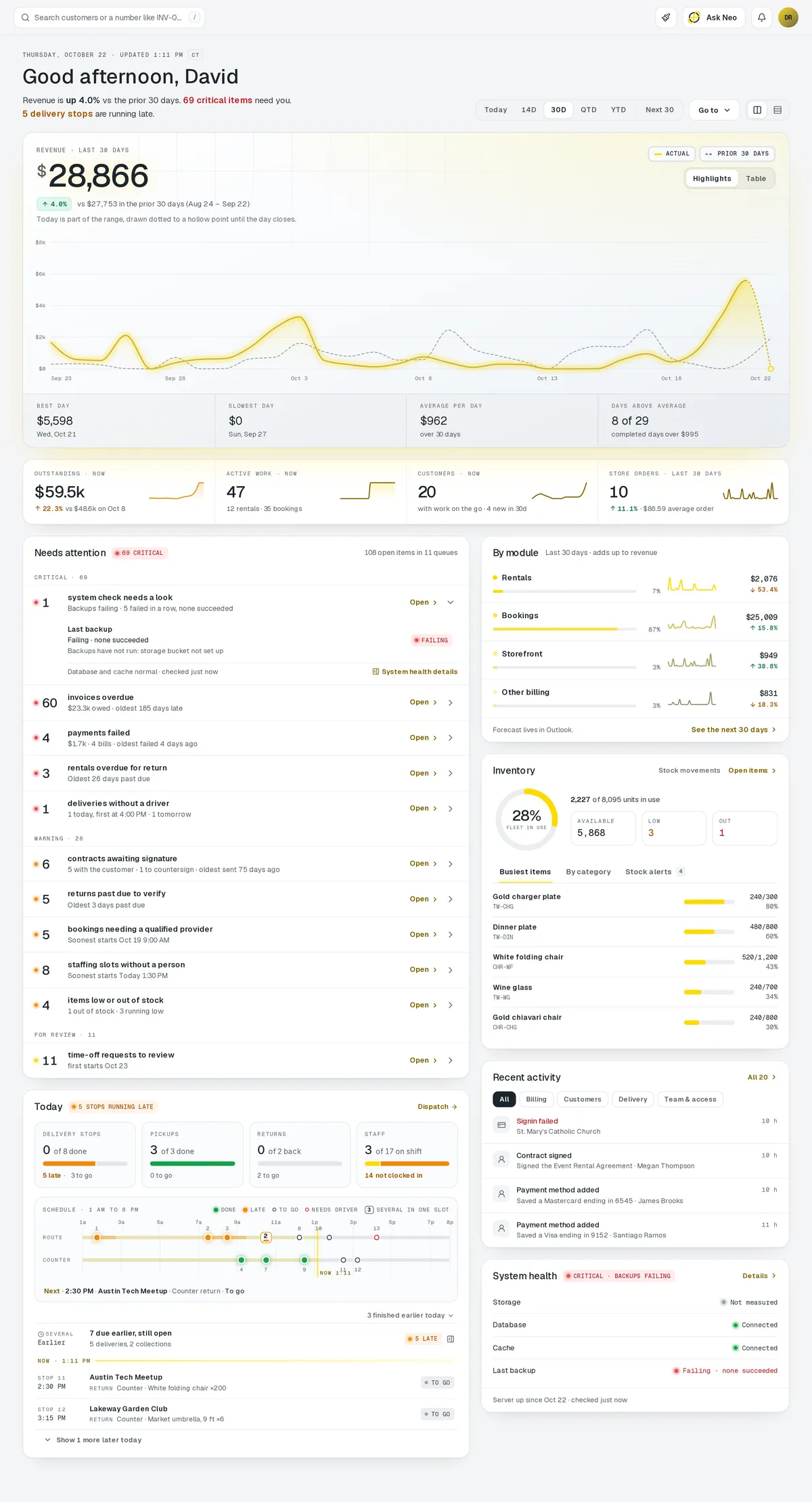
Step 7 of 7
Or just ask
Press ⌘CtrlK anywhere and tell Neo what you want. It takes you to the screen, answers from your data or fills the form in, and you press submit.
More about Neo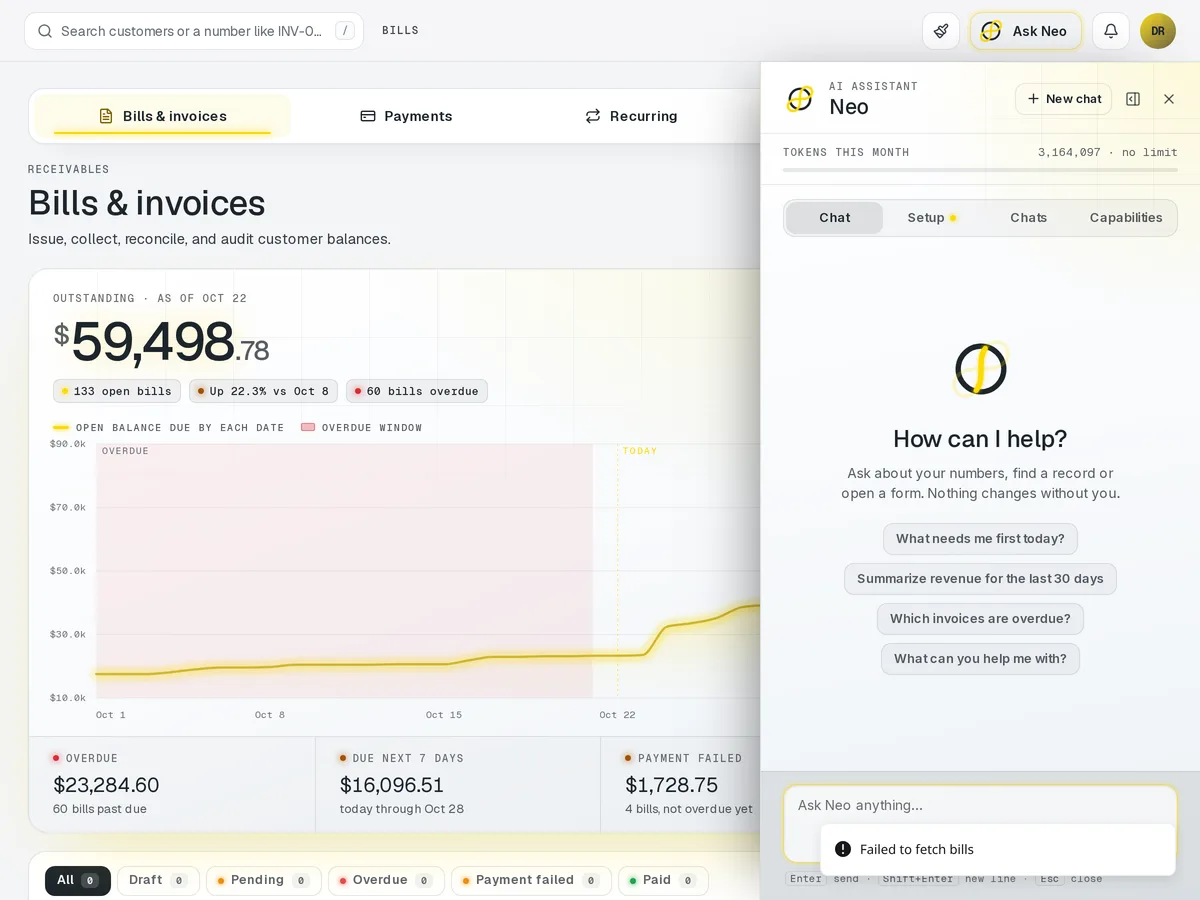
Want to see it with your own products in it?
Request accessReady for one login?
Every account starts with a short conversation. Tell us what you run and we'll set it up with you.